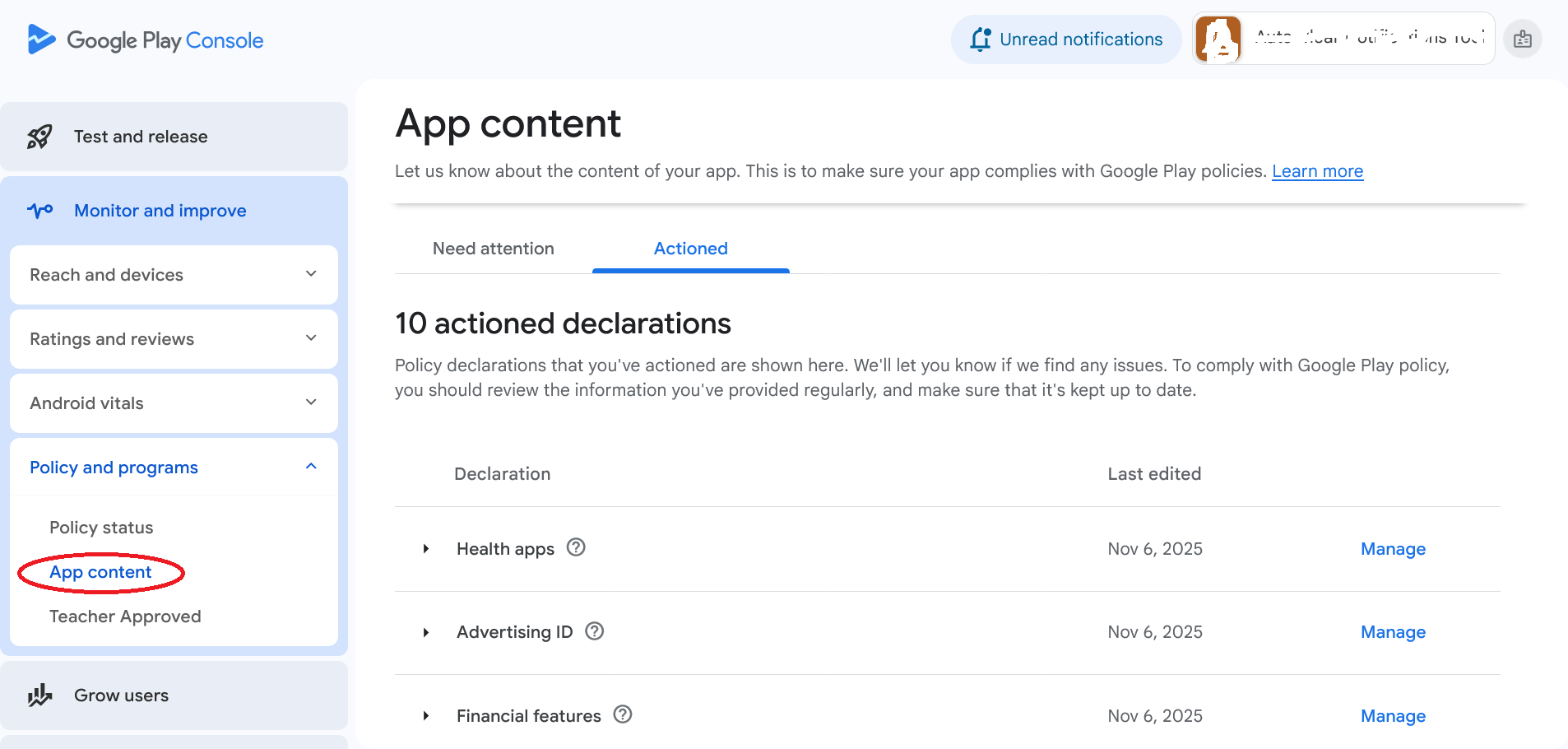
Closed testing (or Alpha/Beta testing) is the most critical phase for polishing your app. It involves sharing your pre-release APK with a select group of users to gather confidential feedback and identify real-world bugs. Following these best practices will turn your closed test into a successful quality checkpoint.
1. Set Clear Objectives
Before starting, decide what you are testing: Is it primarily feature completeness (functional testing), or user experience (usability)? Define key usage flows and success metrics (e.g., "80% of testers must complete the onboarding flow").
2. Recruit Diverse Testers
Avoid only using friends and family. Select testers who represent your actual target market, using various Android versions, device manufacturers (Samsung, Pixel, Xiaomi), and screen sizes. This exposes compatibility issues early. [Image of diverse Android devices]
3. Provide Focused Test Scenarios
Don't just say "test the app." Give testers a structured list of tasks (e.g., "Register a new account," "Navigate to settings and change your profile picture"). This guarantees coverage of critical paths and generates specific feedback.
4. Simplify the Bug Reporting
Use built-in tools (like Google Play's feedback integration or a third-party SDK) that automatically capture device logs, screenshots, and version numbers when a bug is reported. Manual reporting is inefficient and often lacks necessary data.
5. Reward Engagement
Testers are volunteers. Keep them motivated with small incentives, such as early access to future features, a free premium subscription upon launch, or a mention in the app's credits. Consistent rewards lead to sustained testing effort.
6. Analyze, Prioritize, and Iterate
Don't just collect data; act on it. Categorize bugs by severity (Critical, Major, Minor) and fix the most impactful issues first. Send out new builds frequently (weekly or bi-weekly) to confirm fixes and keep testers engaged.